Accessibility features for every user

Accessibility features for every user

Adjustable is built with flexibility at its core, offering a comprehensive set of tools that help every visitor access your website with ease, clarity and confidence.
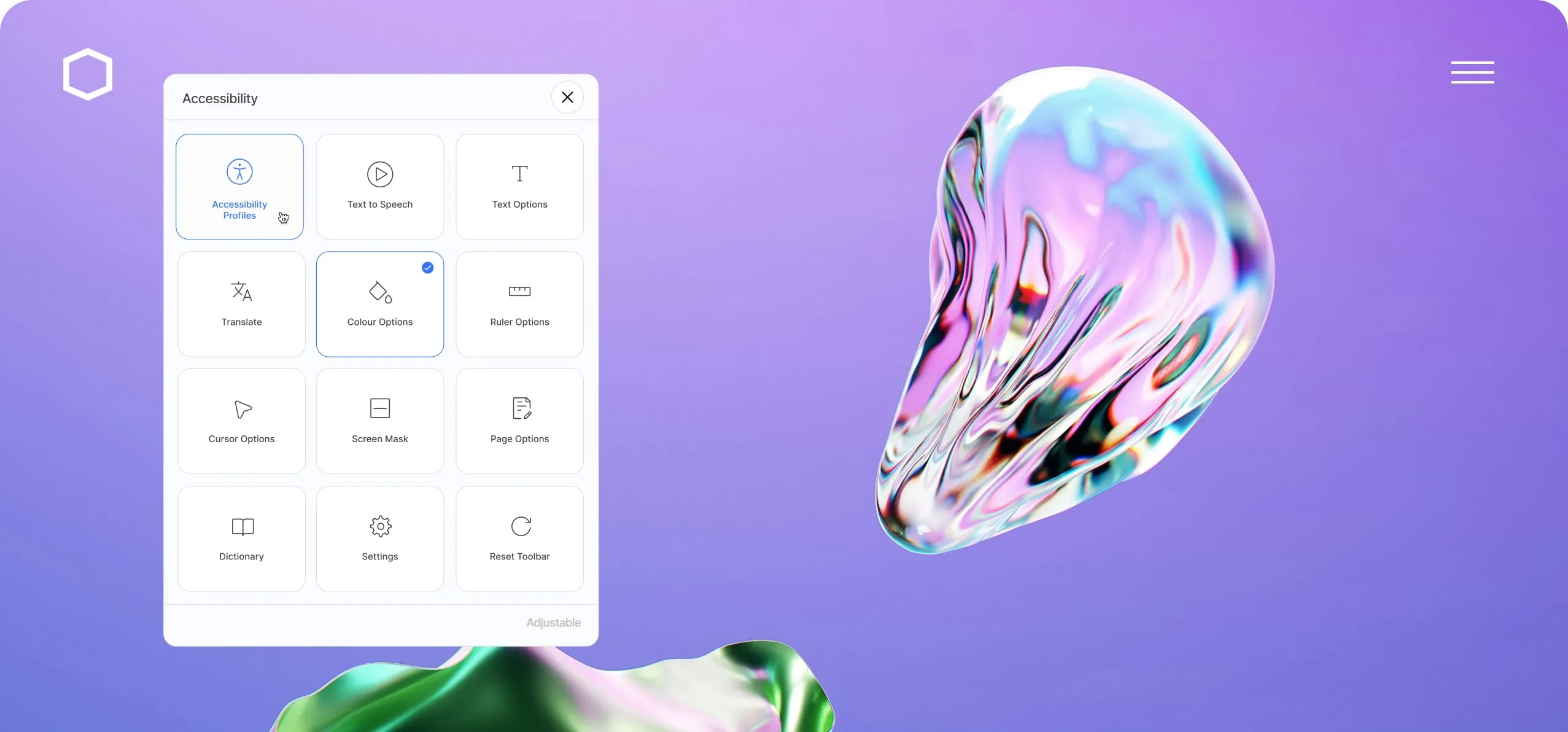
Sample website with the Adjustable accessibility widget displayed on it

Live settings

Real-time controls let users adjust accessibility instantly as they browse.

audio icon
audio icon
audio icon
audio icon

Text to speech

Convert on-page text into clear audio for easier content consumption.

icon
icon
icon
icon

211 languages supported

Offer multilingual support with access to over 200 languages.

star icon
star icon
star icon
star icon
star icon
star icon
star icon
star icon

Accessibility profiles

One-click profiles apply settings designed for different access needs.

A variety of accessibility profiles

A variety of accessibility profiles

A variety of accessibility profiles

Smiley face icon

Everyone is invited

We believe everyone should have equitable access to the internet. Adjustable empowers users to tailor your website to their individual accessibility needs, creating a more inclusive experience for all.

Profile icon

Profiles with pre-configured settings

Adjustable includes a range of pre-configured accessibility profiles designed to support users with different needs. With a single click, visitors can activate a profile that instantly optimises their browsing experience.

Settings icon

Full control

Users can fine-tune individual settings to style the website in a way that feels intuitive and comfortable for them. With powerful tools at their fingertips, navigating the web becomes simpler and more enjoyable.
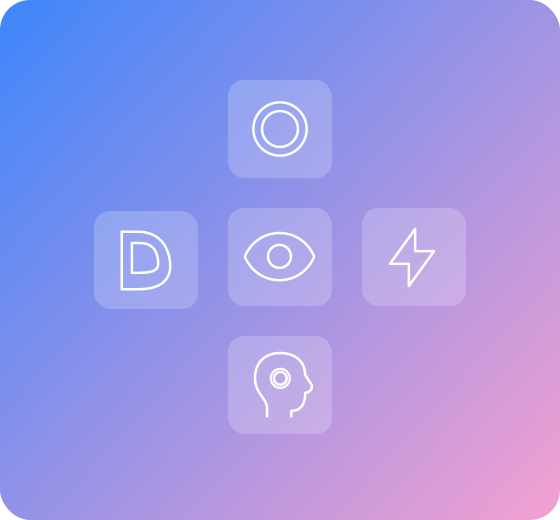
A design image showing various accessibility profile icons used within the Adjustable toolbar
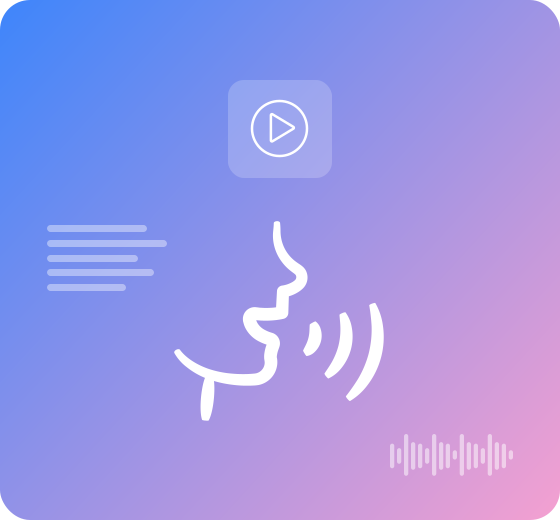
An image showing text to speech imagery such as text, audio waves, and a person speaking

Convert text to speech

Convert text to speech

Convert text to speech

Speech bubble icon

Realistic voiceover

Adjustable converts on-page text into clear, natural-sounding audio, giving users the option to listen to your content if they prefer.

Mouse cursor icon

Selection or auto-play

Users can choose to select specific text to be read aloud, or enable the voiceover assistant to read the entire page automatically. The experience remains flexible—tailored to how each visitor prefers to browse.
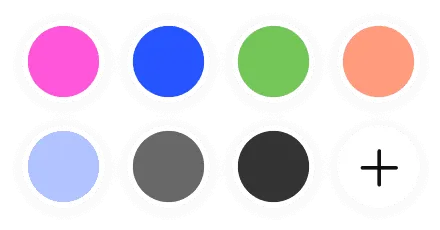
Packed with features

Packed with features

Packed with features

Color palette showing a range of colours to choose from

Colour styles

Colour styles

Colour styles

Pick a set of toolbar colours to match your brand and website

Aa

Aa

Aa

Aa

Switch to alternative fonts designed to improve readability & reduce visual strain

Optimised for all devices

Optimised for all devices

Optimised for all devices

Adjustable works seamlessly across mobile, tablet, laptop and desktops
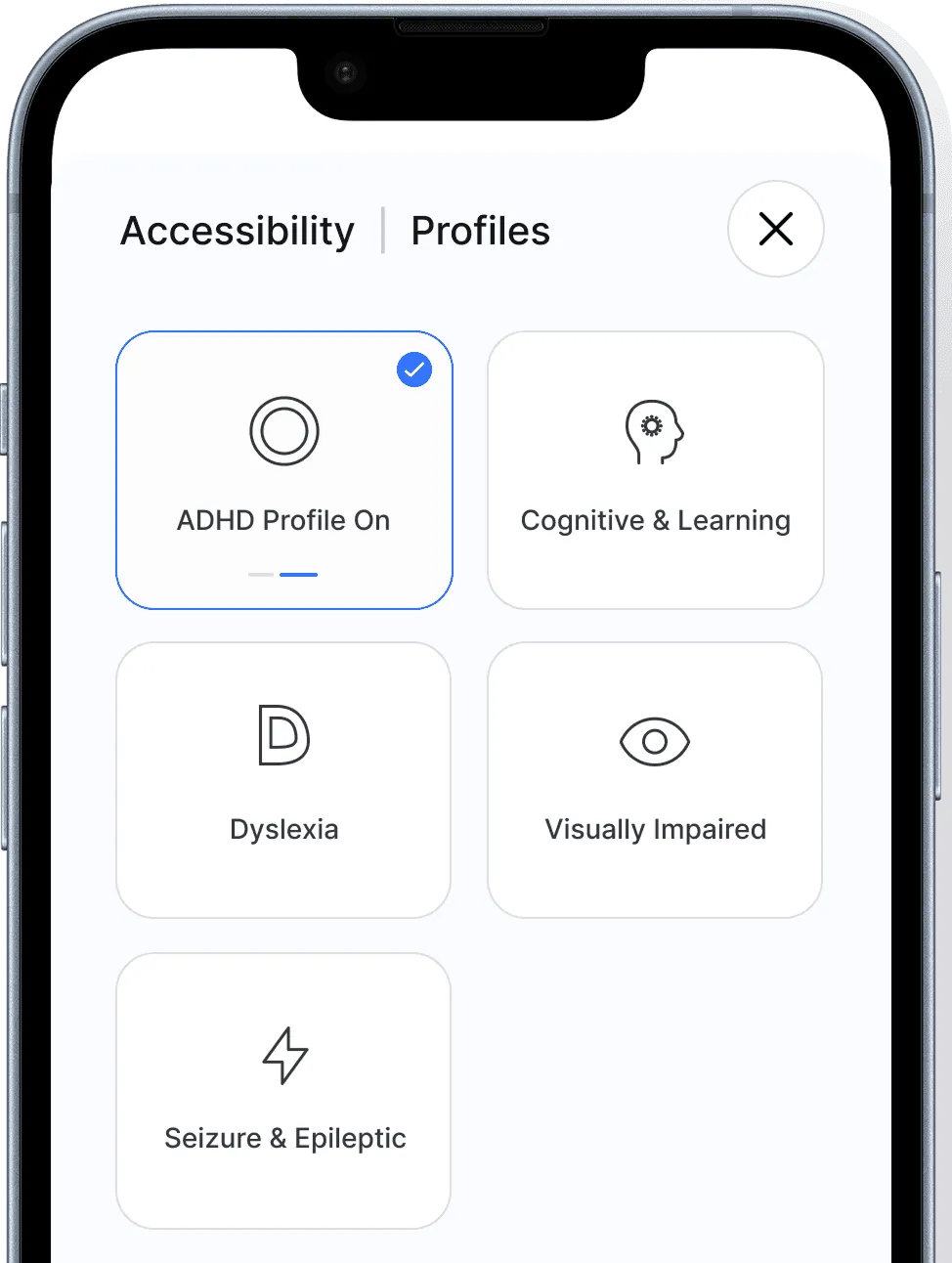
Mobile phone showing Accessibility Profiles screen of the Adjustable toolbar
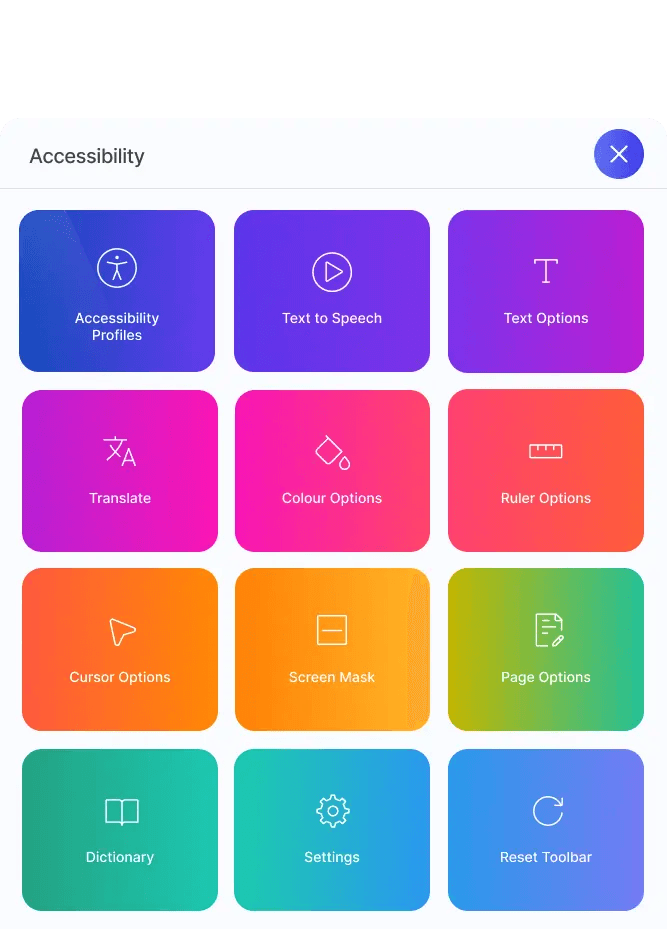
Settings icon with gradient background

Toolbar options

Toolbar options

Toolbar options

Multiple layout and control options for maximum flexibility
Ruler graphic
Ruler graphic
Ruler graphic
Ruler graphic

Ruler options

Ruler options

Ruler options

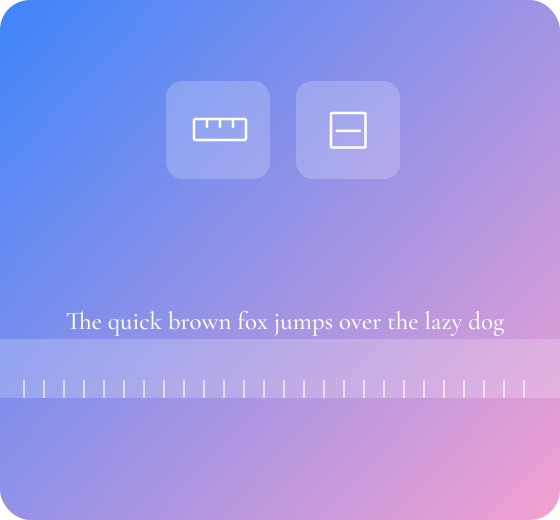
The ruler helps users focus on one line of text at a time
Creatives, enjoy design flexibility

Creatives, enjoy design flexibility

Creatives, enjoy design flexibility

Accessibility styled in full colour

Choose toolbar orientation

Custom brand the appearance

Settings tailored to each client

Premium features at no extra cost

Adjustable Widget shown in full colour

Accessibility styled in full colour

Choose toolbar orientation

Custom brand the appearance

Settings tailored to each client

Premium features at no extra cost

Adjustable Widget shown in full colour

Accessibility styled in full colour

Choose toolbar orientation

Custom brand the appearance

Settings tailored to each client

Premium features at no extra cost

Adjustable Widget shown in full colour

Accessibility styled in full colour

Choose toolbar orientation

Custom brand the appearance

Settings tailored to each client

Premium features at no extra cost

Adjustable Widget shown in full colour
Ruler and mask reading guides graphic

Ruler and mask reading guides

Ruler and mask reading guides

Ruler and mask reading guides

Sparkles icon

Reading precision

Adjustable’s ruler helps users read line by line, making web content easier to follow and absorb. A range of ruler settings further enhances this reading aid.

Cog icon

Focus on what's important

The screen mask feature creates a focused viewing window, helping users concentrate on a specific section of content while reducing visual distractions.

Full text control, styled their way

Full text control, styled their way

Full text control, styled their way

Font choice icon

Font styles for every reader

Adjustable offers a choice of Serif, Sans-Serif, Mono and Dyslexia-friendly fonts, helping users select the style that feels most comfortable and readable for them.

Line height icon

Text size, spacing and line height

Users can fine-tune text size, line height and character spacing to suit their preferred reading experience. These adjustments provide greater clarity and reduce visual strain.

Dyslexia font icon

Dyslexia-friendly font

A specially designed Dyslexia font is available for users who benefit from letterforms engineered to support clearer, more consistent reading.

Dyslexia font icon

Focus text

Focus Text enhances readability by bolding the first portion of each sentence or paragraph, helping users track content more easily and reducing cognitive load for some reading conditions.
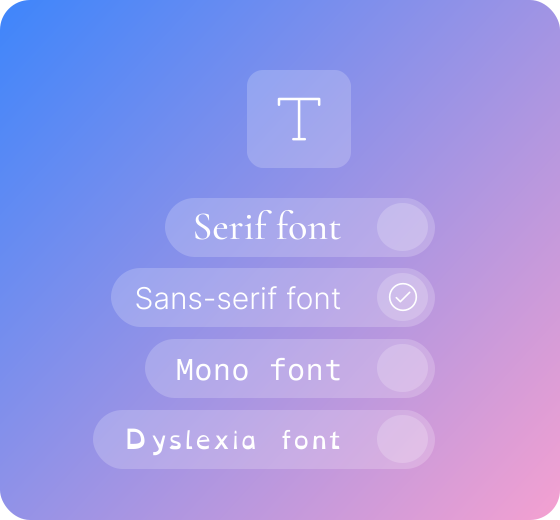
Text Options icon showing Serif font and Sans-serif font options
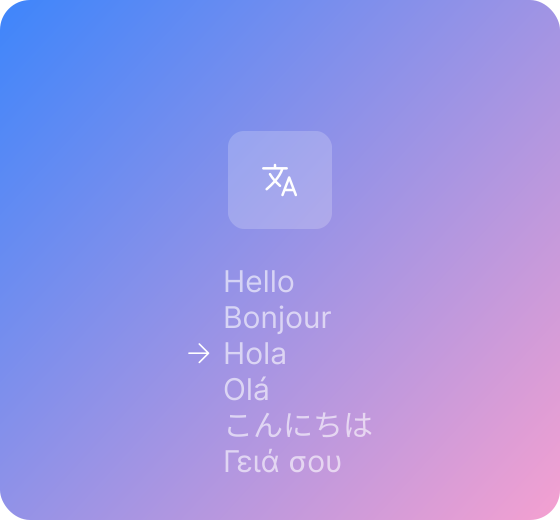
Language translations icon showing the word hello displayed in different languages

Powerful language tools

Powerful language tools

Powerful language tools

Sparkles icon

211 languages available

Adjustable supports 211 languages, allowing clients to offer a multilingual experience that better serves their audience—whether locally or globally.

Cog icon

Translation settings

Adjustable can be set to translate only the toolbar interface or both the toolbar and the on-page content. This gives organisations full control, particularly where regulatory or legal requirements restrict content translation.

Sound waves icon

Translated text to speech

Translated text is read in the native language (where supported) providing full accessibility for users who prefer to use a different language.

Colour themes

Colour themes

Colour themes

Copy icon

Match your brand

Clients can customise Adjustable with colour themes that align with their brand, creating a seamless and fully integrated look across their website

Light mode icon

Light, dark, or colour mode

Choose from light mode, dark mode or full-colour themes. Adjustable provides the flexibility to meet user preferences.

Light mode icon

Filters, contrast, greyscale

Select from multiple colour filters, contrast settings, and a greyscale mode to find what works best. Adjustable's adaptable design supports a broad range of colour profiles.
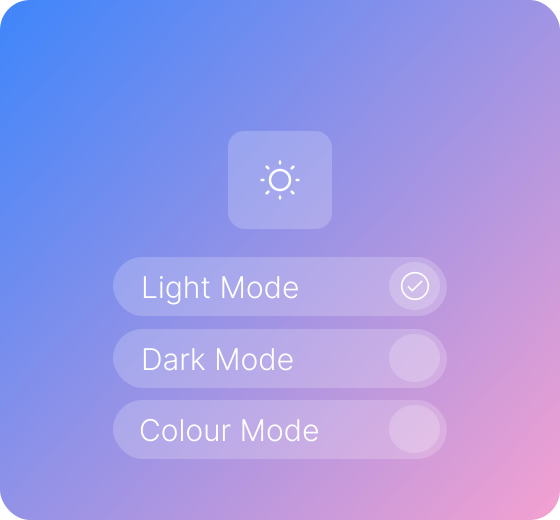
Colour Theme icon showing Light Mode, Dark Mode, and Colour Mode
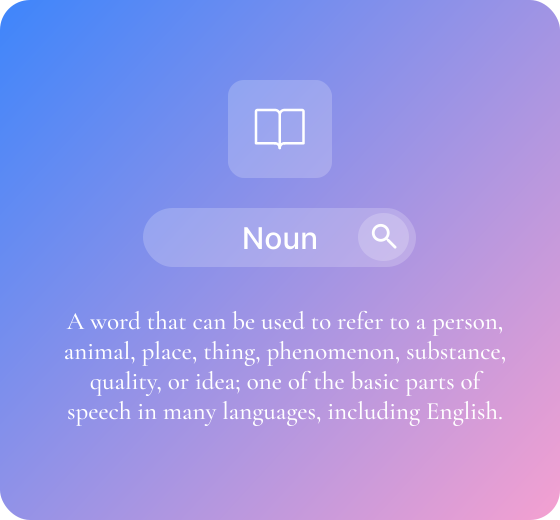
Dictionary icon graphic showing a search for the word Noun with a description underneath it

Dictionary support whenever needed

Dictionary support whenever needed

Dictionary support whenever needed

Dictionary icon

Full dictionary support

Users can quickly look up the meaning of words by simply selecting them on the page, helping them better understand your content.

Input field icon

Multiple sources

To provide reliable and comprehensive definitions, Adjustable draws from multiple dictionary sources, ensuring users receive clear explanations and contextual detail.

Effortless Page Scaling

Effortless Page Scaling

Effortless Page Scaling

Copy icon

Flexible zoom control

Users can scale the entire page up or down to suit their visibility needs, ensuring text and elements remain clear and readable.

Light mode icon

Pixel-perfect clarity

Page scaling maintains sharpness and structure, allowing users to enlarge content without losing layout quality.

Light mode icon

Tailored viewing comfort

By adjusting the page size to match personal preference, users can reduce eye strain and browse with greater comfort.
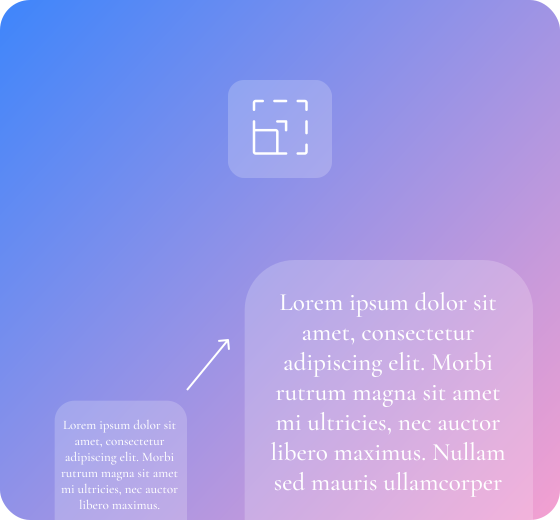
Page scaling graphic
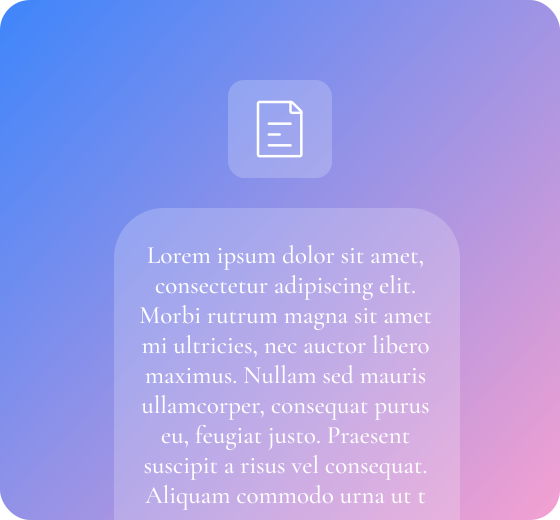
Reading mode graphic

Clean & Minimal Reading View

Clean & Minimal Reading View

Clean & Minimal Reading View

Dictionary icon

Streamlined content layout

Reading Mode restructures the page into a clean, centred column, making the main content easy to follow.

Input field icon

Reduced visual noise

Unnecessary elements are hidden, helping users focus on reading without competing distractions.

Input field icon

Optimised for comprehension

By mirroring a mobile-style reading format, the experience becomes clearer, calmer, and easier to digest.

Enhanced Cursor Control

Enhanced Cursor Control

Enhanced Cursor Control

Copy icon

Adjustable cursor size

Users can increase the cursor size to improve visibility and navigation, especially helpful for low-vision needs.

Light mode icon

Custom cursor colours

High-contrast colour options make the cursor stand out against any background, reducing the chance of losing track of it.

Light mode icon

Improved navigation confidence

By tailoring the cursor to personal preferences, users can move through content more accurately and comfortably.
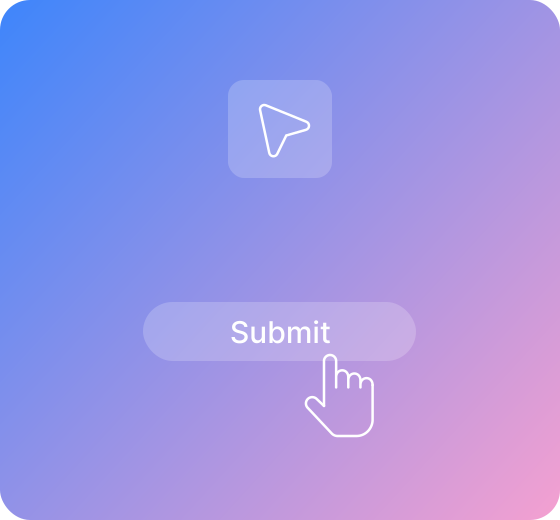

Cursor control graphic

Supercharge your site accessibility

Accessibility for everyone starts here.

Adjustable accessibility toolbar shown in full colour mode
Generic, colourful image representing an example website

Zahra

Supercharge your site accessibility

Accessibility for everyone starts here.

Adjustable accessibility toolbar shown in full colour mode
Generic, colourful image representing an example website

Zahra

Supercharge your site accessibility

Accessibility for everyone starts here.

Adjustable accessibility toolbar shown in full colour mode
Generic, colourful image representing an example website

Zahra

Supercharge your site accessibility

Accessibility for everyone starts here.

Adjustable accessibility toolbar shown in full colour mode
Generic, colourful image representing an example website

Zahra

Adjustable logo

© 2025 Adjustable, all rights reserved

Navigate

Platform

Resources

Terms